DIY Guide: Tuning Your Vehicle with Codex Calibration
- Jake Tanner

- 3 hours ago
- 3 min read
Tuning your vehicle can seem like a daunting task, especially if you're not familiar with the intricacies of automotive technology. However, with the right tools and knowledge, you can enhance your vehicle's performance significantly. One of the most effective ways to achieve this is through Codex Calibration. This guide will walk you through the process of tuning your vehicle using Codex Calibration, ensuring you understand each step along the way.

Understanding Codex Calibration
Before diving into the tuning process, it's essential to understand what Codex Calibration is. Codex Calibration refers to the process of adjusting the engine control unit (ECU) settings to optimize performance. This can include changes to fuel maps, ignition timing, and other parameters that affect how your vehicle runs.
Why Tune Your Vehicle?
Tuning your vehicle can lead to several benefits, including:
Improved Performance: Enhanced horsepower and torque can make your vehicle more responsive.
Better Fuel Efficiency: A well-tuned engine can operate more efficiently, leading to savings at the pump.
Customization: Tailor your vehicle's performance to suit your driving style or specific needs.
Preparing for the Tuning Process
Before you start tuning your vehicle, you need to gather the necessary tools and information. Here’s a checklist to help you prepare:
Tools Required
Laptop or Tablet: For accessing the tuning software.
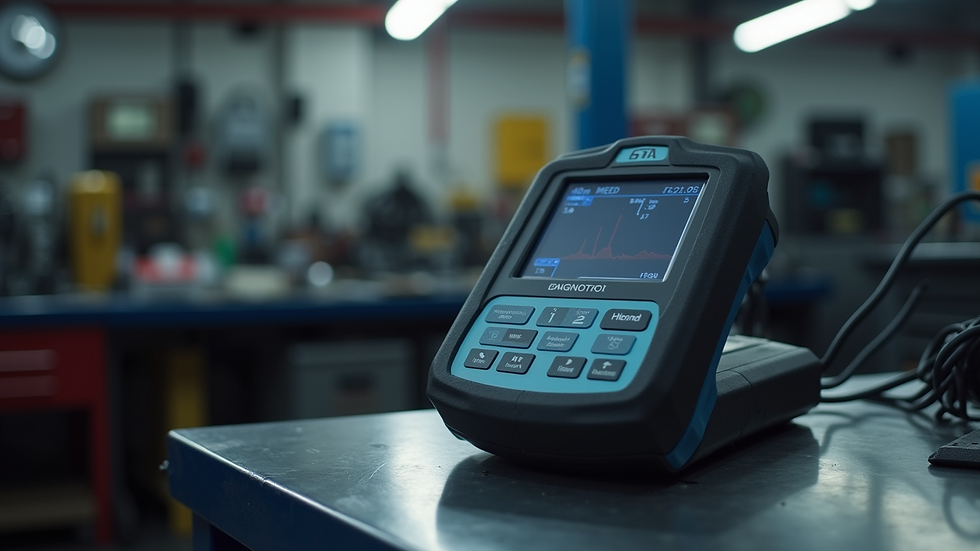
OBD-II Scanner: To read and clear diagnostic trouble codes.
Tuning Software: Codex Calibration software installed on your device.
Vehicle-Specific Calibration Files: Ensure you have the correct files for your vehicle model.
Vehicle Information
Gather the following information about your vehicle:
Make and Model: Know your vehicle's specifications.
Engine Type: Understand the engine configuration and any modifications already made.
Current ECU Settings: Document the existing settings before making changes.
Step-by-Step Tuning Process
Now that you have everything ready, let’s dive into the tuning process.
Step 1: Connect Your Device
Plug in the OBD-II Scanner: Locate the OBD-II port in your vehicle, usually found under the dashboard.
Connect to Your Laptop/Tablet: Use a USB or Bluetooth connection to link the scanner to your device.
Step 2: Access the Tuning Software
Open Codex Calibration Software: Launch the software on your device.
Select Your Vehicle: Input your vehicle's make, model, and engine type to load the appropriate calibration file.
Step 3: Read Existing ECU Settings
Download Current Settings: Use the software to read and download the current ECU settings.
Save a Backup: Always save a backup of the original settings before making any changes.
Step 4: Make Adjustments
Fuel Maps: Adjust the fuel maps to optimize the air-fuel mixture. This can improve performance and efficiency.
Ignition Timing: Modify the ignition timing for better throttle response and power delivery.
Other Parameters: Depending on your vehicle, you may also adjust parameters like boost levels (for turbocharged engines) or rev limits.
Step 5: Upload New Settings
Review Changes: Double-check all adjustments to ensure they align with your performance goals.
Upload to ECU: Use the software to upload the new settings to your vehicle’s ECU.
Step 6: Test Drive
Initial Test Drive: Take your vehicle for a test drive to assess the changes. Pay attention to how it accelerates, handles, and responds to throttle inputs.
Monitor Performance: Use the OBD-II scanner to monitor engine parameters during the drive.
Troubleshooting Common Issues
Even with careful tuning, you may encounter issues. Here are some common problems and solutions:
Poor Performance After Tuning
Check Fuel Maps: Ensure the air-fuel mixture is not too rich or lean.
Verify Ignition Timing: Incorrect timing can lead to knocking or poor acceleration.
Check Engine Light
Read Codes: Use the OBD-II scanner to read any trouble codes.
Revert to Backup: If necessary, revert to the original ECU settings using your backup.
Maintaining Your Tune
Once you have successfully tuned your vehicle, it’s essential to maintain the settings for optimal performance. Here are some tips:
Regularly Monitor Performance: Keep an eye on engine parameters and performance metrics.
Update Calibration Files: As you make further modifications to your vehicle, update the calibration files accordingly.
Periodic Re-tuning: Consider re-tuning your vehicle after significant changes, such as new exhaust systems or turbochargers.
Conclusion
Tuning your vehicle with Codex Calibration can significantly enhance its performance and efficiency. By following the steps outlined in this guide, you can confidently adjust your vehicle's ECU settings to meet your specific needs. Remember to always back up your original settings and monitor your vehicle's performance after tuning. With the right approach, you can enjoy a more responsive and powerful driving experience.
Take the next step in your automotive journey by exploring Codex Calibration today!

Comments